Frame Shop
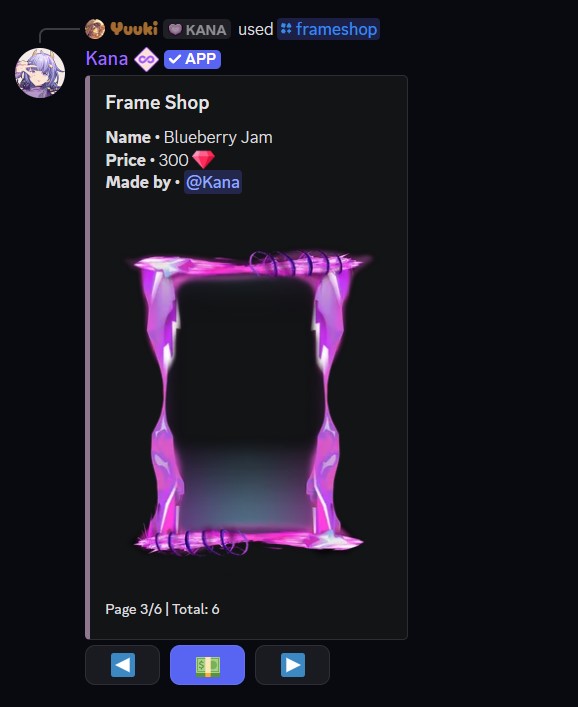
The frame shop sells frames that you can apply to your cards. Many are community-made, and each listing shows its price and its creator. Browse it with the [p]frameshop [fs] command.
Usage
- Command:
[p]frameshop - Alias: [
fs] - Parameters: None
Each frame in the shop displays:
- Name - The frame's name.
- Price - The cost, shown with the currency it is paid in.
- Made by - The creator of the frame.
Page through the shop and buy a frame directly from its listing. Once bought, the frame is added to your inventory and can be applied to any card with [p]applyframe. See the Frames page for how to apply and remove them.
note
Only registered, unrestricted users for this command can interact with this system.