Bazaar
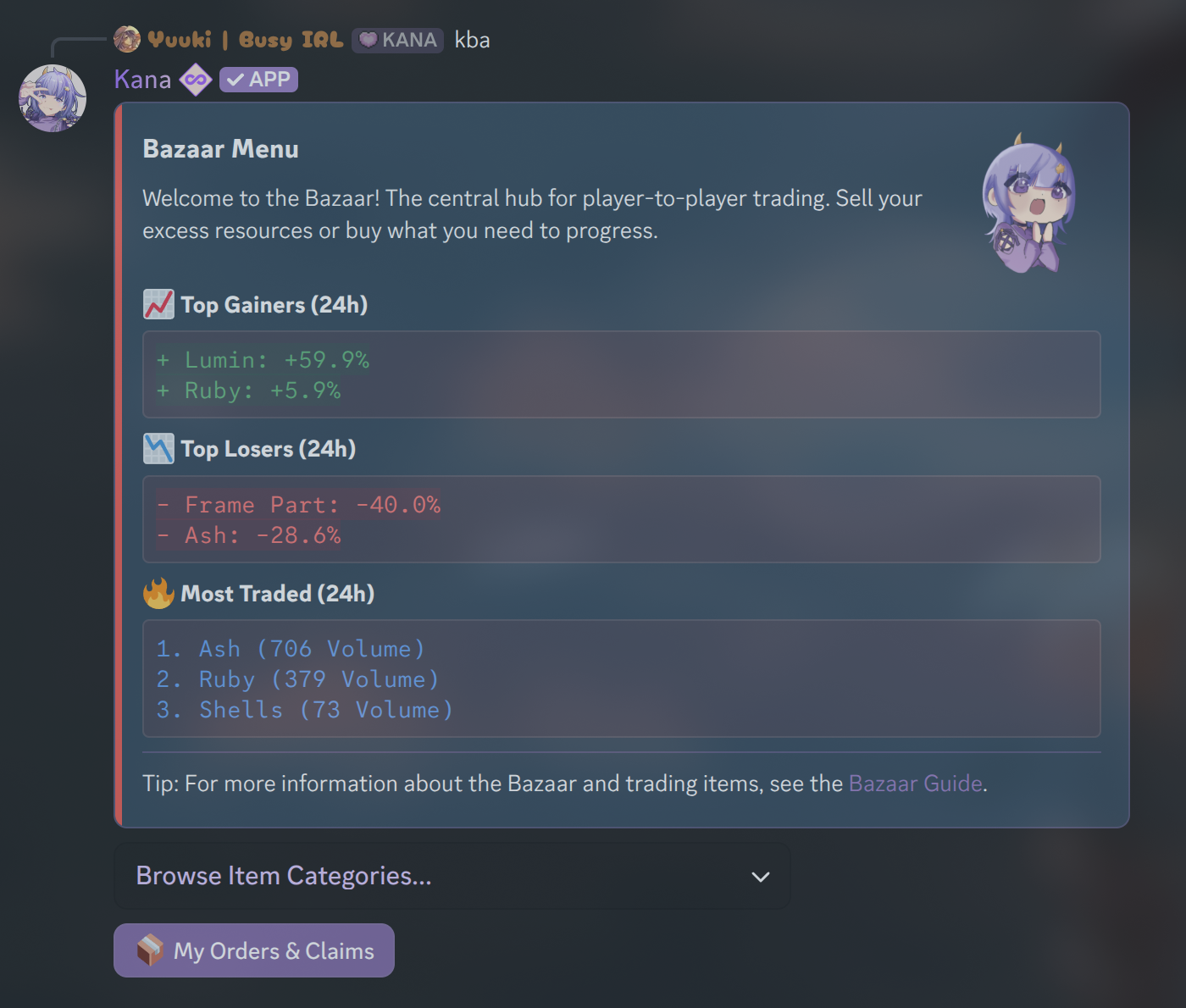
The Bazaar is Kana's in-game marketplace where players can buy and sell items. Items fall under these categories:
- Boosts & Utility
- Currencies
- Crafting Materials
- Cosmetics & Social
- Boxes & Passes
- Frames
Prices in the Bazaar fluctuate based on supply and demand, similar to a stock market.
Trading Methods
Instant Buy / Instant Sell
Quick and simple, but less profitable.
- Instant Buy: Purchase items immediately at the lowest market price.
- Instant Sell: Sell items instantly at the highest available buy order price.
Note: Instant trades are convenient but may not yield the best prices.
Buy Orders / Sell Offers
Potentially more profitable, but requires patience.
- Buy Order: Set your own price to buy an item. The order completes when a seller accepts your offer.
- Sell Offer: Set your own price to sell an item. The order completes when a buyer accepts your offer.
Pros:
- Can get better prices than instant trades.
Cons:
- May take longer to complete (if others place better offers, their trades may be prioritized over yours)
Usage
- Command:
[p]bazaar - Alias: [
ba] - Parameters: None
Contributors to this page:@Choyumi
Contributors are community members who assisted with documentation and may not be directly affiliated with Kana.